
HD Face Swap for Realistic, Sharp Results
HD face swap is a face swap followed by a 2× upscale. On QuickFaceSwap it doubles the width and height of your result, so skin, eyes and hair stay sharp when you zoom in or print.
- 2× resolution
- About 50 seconds
- No watermark
1. Upload a photo
No photo? Try a sample:
2. Upload your face
- Good face photo
- Face the camera
- Good, even light
- No sunglasses or masks
- Only one face
Or use a sample face:
How HD face swap works
Same steps as a normal swap, with the HD switch on.
- 1
Upload a sharp photo
HD helps most on large, clear pictures you plan to view big.

- 2
Add a clear face
The sharper the face photo, the more real detail there is to keep.

- 3
Swap with HD on
The face is swapped first, then the whole image is upscaled 2×. Expect about 20 extra seconds.
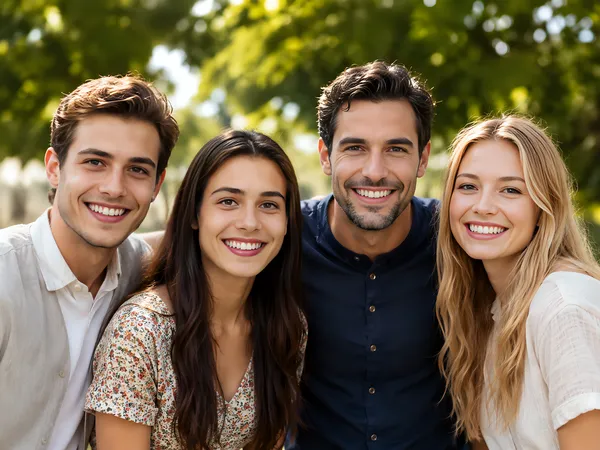
HD vs. standard face swap
HD returns an image twice as wide and twice as tall as a standard swap, for 1 extra credit and about 20 extra seconds.
| Standard | HD | |
|---|---|---|
| Output size | Same as your photo (up to 2,048 px) | 2× width and height (up to 4,096 px) |
| Example from our tests | 1,448 × 1,086 | 2,896 × 2,172 |
| Time | About 30 seconds | About 50 seconds |
| Cost | 1 credit | 2 credits |
If you only plan to send the picture in a chat, standard is enough. Pick HD when you'll crop in, print, or show it on a large screen.
What HD adds to a face swap
Twice the width and height
Four times the pixels, so you can crop in or print larger.
Crisper when you zoom in
Fine texture in skin, lashes and hair looks sharper at full size.
Made for print and big screens
Posters, profile banners and anything you'll look at up close.
No watermark
The full HD file downloads clean.
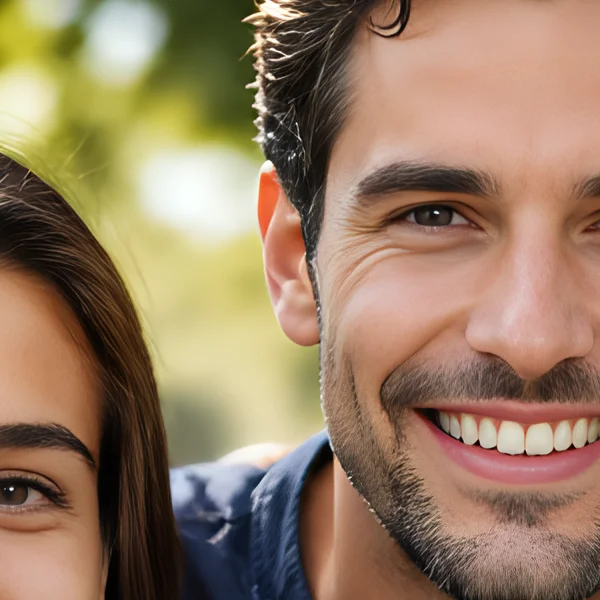
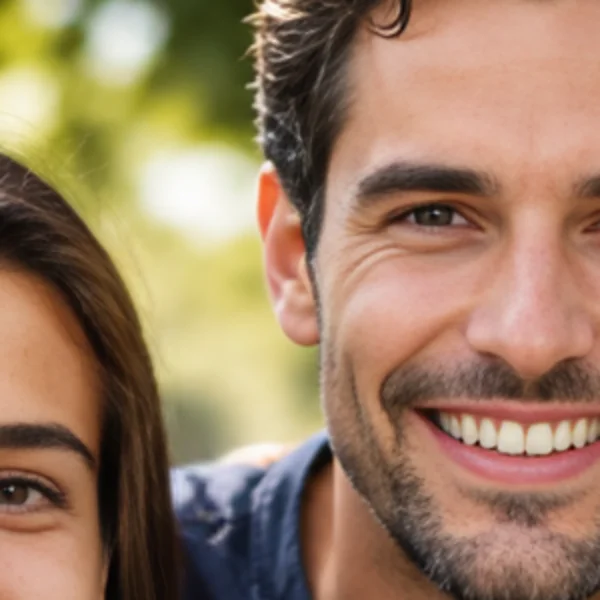
Standard vs. HD, zoomed in
The same swap, cropped and zoomed 2×. Left: standard. Right: HD.
When is HD worth it? A print size guide
HD is worth it when the photo will be printed or shown large; for a chat message, standard is plenty. Prints look sharp at about 300 pixels per inch:
| Print size | Pixels needed (300 ppi) | Standard (up to 2,048 px) | HD (up to 4,096 px) |
|---|---|---|---|
| 4 × 6 in | 1,200 × 1,800 | Enough | Enough |
| 5 × 7 in | 1,500 × 2,100 | Borderline | Enough |
| 8 × 10 in | 2,400 × 3,000 | Too small | Usually enough |
| Phone wallpaper | 1,170 × 2,532 | Borderline | Enough |
HD figures assume a full-size photo (2,048 px on the long side) in portrait orientation. HD won't rescue a blurry face photo. Upscaling makes what's there sharper, but it can't recover features the camera never captured.
Getting a realistic result in HD
HD shows small flaws as clearly as small details, so the face photo matters even more here. Use the sharpest one you have, taken in daylight.
A realistic AI face swap comes down to matching light and angle first; HD then makes sure the detail holds up when someone looks closely.
Pick a face whose expression fits the scene. A big grin on a serious portrait looks off, and at 4,000 pixels everyone will notice.
HD face swap FAQ
A face swap followed by a 2× upscale: the result comes back at twice the width and height of your photo, with sharper skin, eyes and hair.
More tools
Make your next swap crisp.
Sign up free and get 3 credits, enough for one HD swap.