
How to Face Swap a Photo Online (Step by Step)
2026-10-27
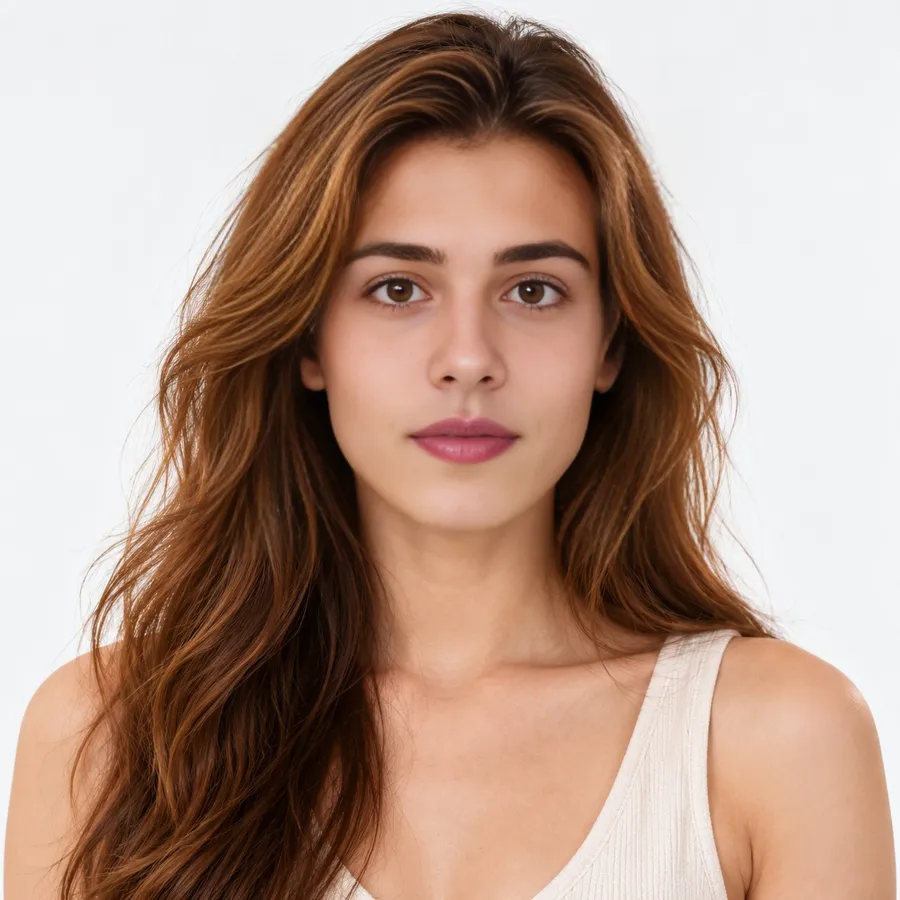
Face swapping used to mean an hour in Photoshop. Today an AI model can do it in under a minute, but the photos you feed it still decide whether the result looks real or strange. This guide walks through the whole process and the small choices that make the biggest difference.
What you need
- The photo you want to change (the target).
- A clear photo of the face you want to put in (the source face).
- About 30 seconds.
Step 1: Pick a target photo the AI can read
The face in the target photo should be visible, reasonably large and not covered by hands, hair or sunglasses. Faces turned more than about 45 degrees away from the camera are the most common reason a swap looks off.
Step 2: Choose a good source face
This matters more than people expect. A sharp, front-facing photo with even light gives the model the most detail to copy.
| Works well | Causes problems |
|---|---|
| Looking at the camera | Profile or tilted head |
| Soft daylight | Harsh shadows or colored light |
| One person in the photo | Group selfies |
| Neutral or small smile | Wide-open mouth |
Step 3: Run the swap
Upload both images, press Swap Face and wait. Most photos finish in 10–30 seconds. Use the slider on the result to compare before and after.
Fixing common problems
"No face detected"
Try a larger or sharper photo, or crop it so the face takes up more of the frame.
The skin tone doesn't match
Pick a source face photo taken in light similar to the target photo.
Only swap faces of people who have agreed to it, and never use a swap to mislead anyone.
Try it
You can try a photo face swap for free without signing up, or use multiple face swap for group photos.